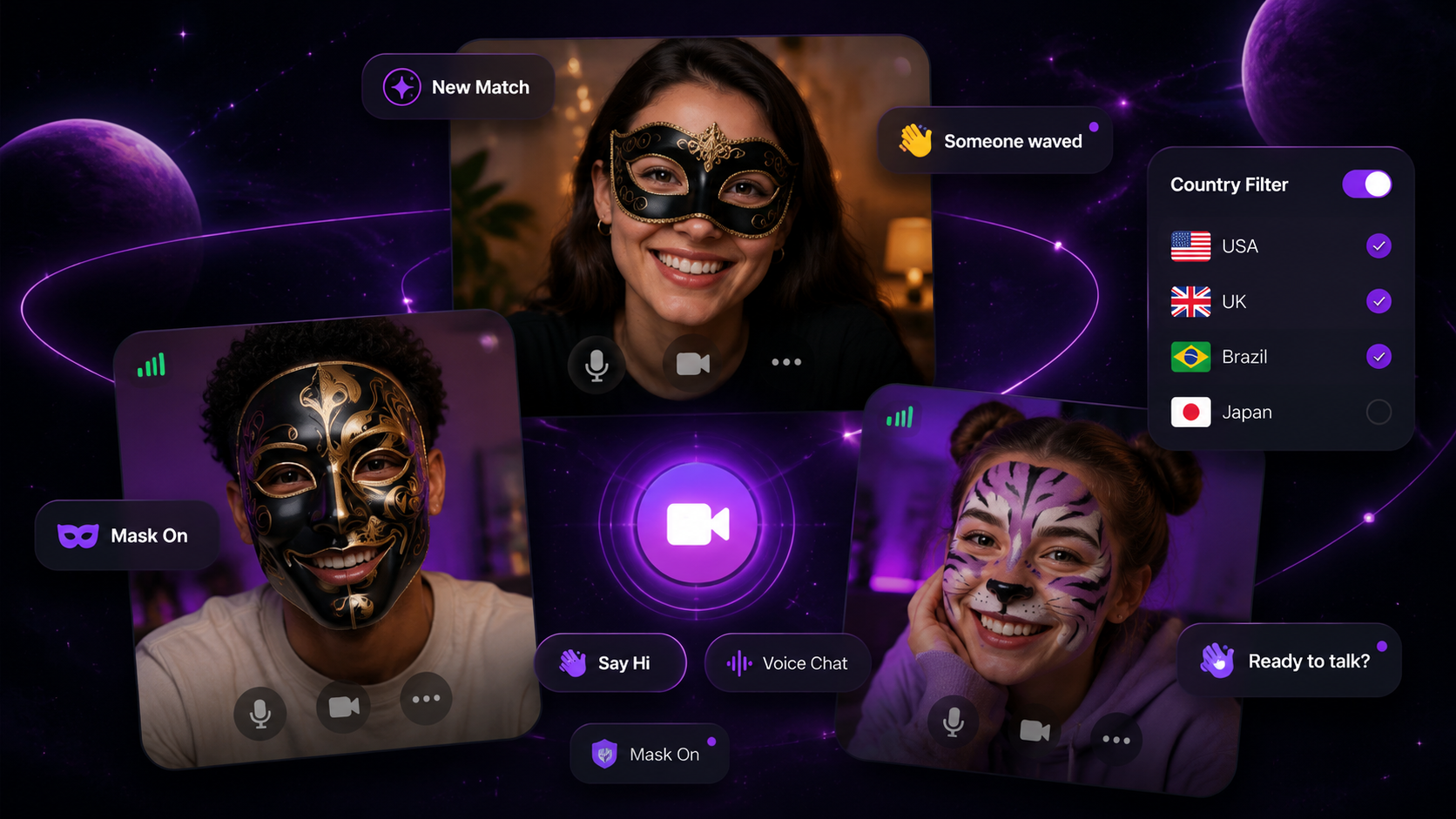
Random chat on PixelPlanets helps you meet someone new without building a long profile first. You can start with text, move into random voice chat, or choose random video chat with pixel masks when you want more presence. The point is fast discovery with clear exits.
What Is Random Chat?
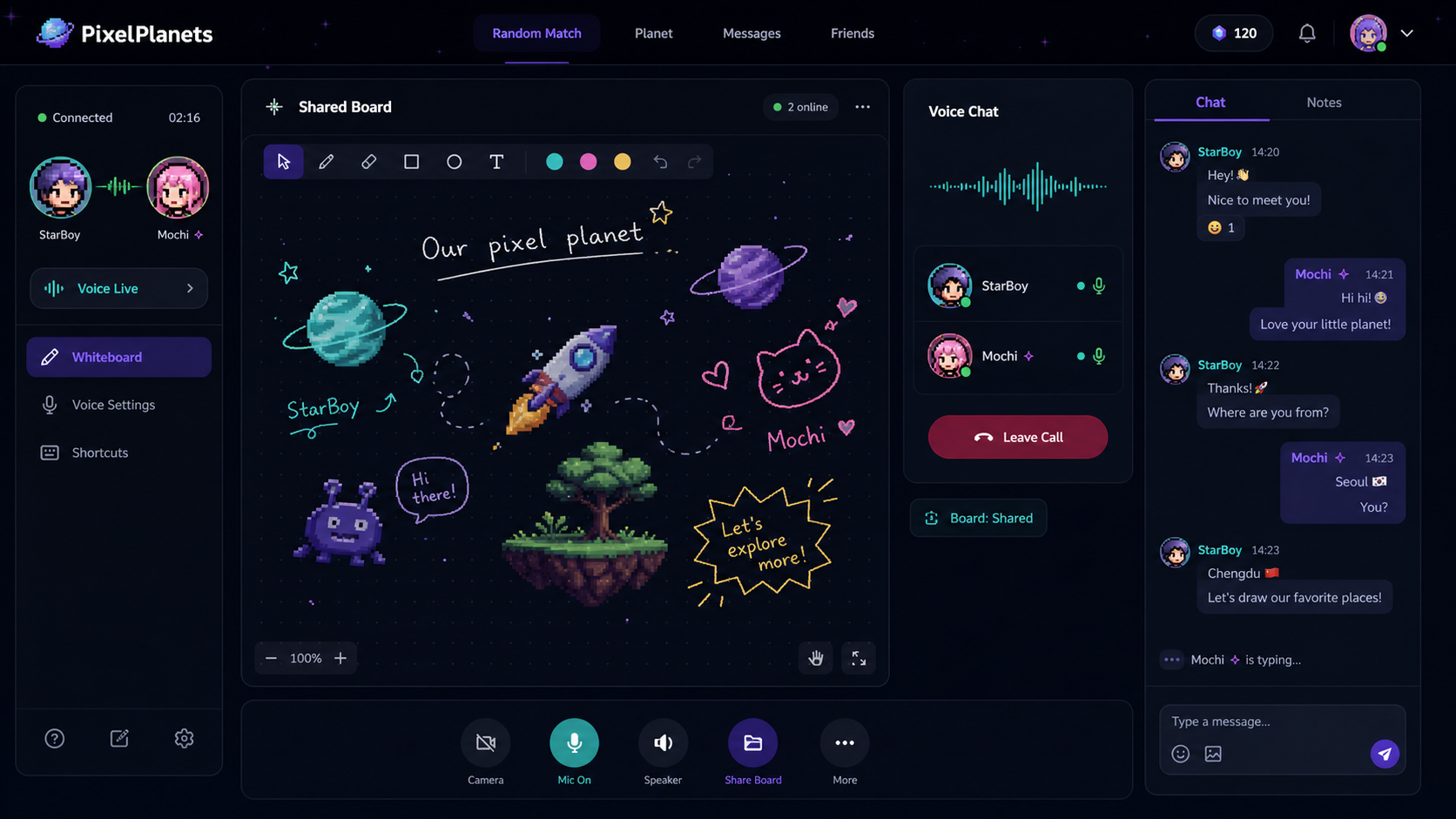
Random chat is an online matching experience that connects you with someone you do not already know. PixelPlanets supports random text chat, 3-minute voice calls, masked video calls, shared whiteboard interaction, and mutual continuation so conversations only move forward when both people agree.
Choose the Random Chat Mode That Fits Your Comfort Level
Not every user wants the same first step. Some people want a text conversation. Some want to hear a real voice. Some want video, but only if the first moment is less exposed.
| Mode | Best for | First step |
|---|---|---|
| Text chat | Low-pressure messages | Start typing |
| Voice chat | Hearing tone without camera pressure | 3-minute opening call |
| Masked video | Face-to-face energy with a privacy layer | 3-minute masked intro |
This structure lets you choose the social intensity instead of forcing every stranger interaction into one format. If you want to browse first, pixel chat rooms give you a slower way to meet nearby people.
How Random Text, Voice, and Video Work Together
Text chat is the simplest way to begin. Voice adds tone. Masked video adds presence. PixelPlanets keeps voice and video structured with a 3-minute intro, then asks both people whether they want to continue.
- Start with text when you want time to think.
- Use voice when you want to hear a real person without turning on a camera.
- Use masked video when you want visual presence without instant full-face exposure.
- Use the shared whiteboard when the first message feels awkward.
Why PixelPlanets Uses Mutual Continuation
Random chat works better when users can leave easily. PixelPlanets uses mutual continuation to avoid dragging out weak or uncomfortable matches. A good match gets more time. A bad match ends without drama.
That rhythm matters for both social comfort and stranger chat safety. It makes the first stage small, gives both people equal control, and keeps the next step from feeling forced.
Safety Tips for Random Chat
The Federal Trade Commission recommends protecting personal information online. In any random chat, avoid sharing your full name, address, school, workplace, phone number, financial details, or private accounts too early.
Try this mode
Start with random chat
Use this page to understand the mode, then start a real conversation when you are ready.
FAQ
Frequently Asked Questions
Is PixelPlanets random chat free?
PixelPlanets supports free random matching with daily limits. Members get expanded access, including unlimited matching and longer continued calls. The exact limits should always match the in-app membership screen.
What is the difference between random chat and chat rooms?
Random chat matches you one-on-one with someone new. Chat rooms let you walk around a shared pixel planet, see nearby people, and start conversations more casually.
Can random chat become voice or video?
Yes. PixelPlanets supports text, voice, and masked video as separate ways to connect. Voice and masked video have 3-minute openings and mutual continuation, so the next step only happens when both people agree.
How do I stay safer in random chat?
Keep private information private, leave uncomfortable conversations, avoid pressure to move off-platform, and use block or report tools. Review stranger chat safety before starting a new conversation.
Can I start random chat without video?
Yes. PixelPlanets lets you start with text or voice before trying video. Use random voice chat when you want live presence without camera pressure.
What makes PixelPlanets random chat different?
PixelPlanets combines random text, voice, masked video, shared whiteboard prompts, pixel rooms, and mutual continuation. The goal is fast discovery without forcing instant exposure.
Conclusion
Random chat on PixelPlanets is designed for fast discovery without losing control. Start with text, voice, or masked video, use the whiteboard when the opening feels awkward, and continue only when the match actually feels right.